
Some-vastaavan tuki · Paranna läsnäoloasi sosiaalisessa mediassa
 AI
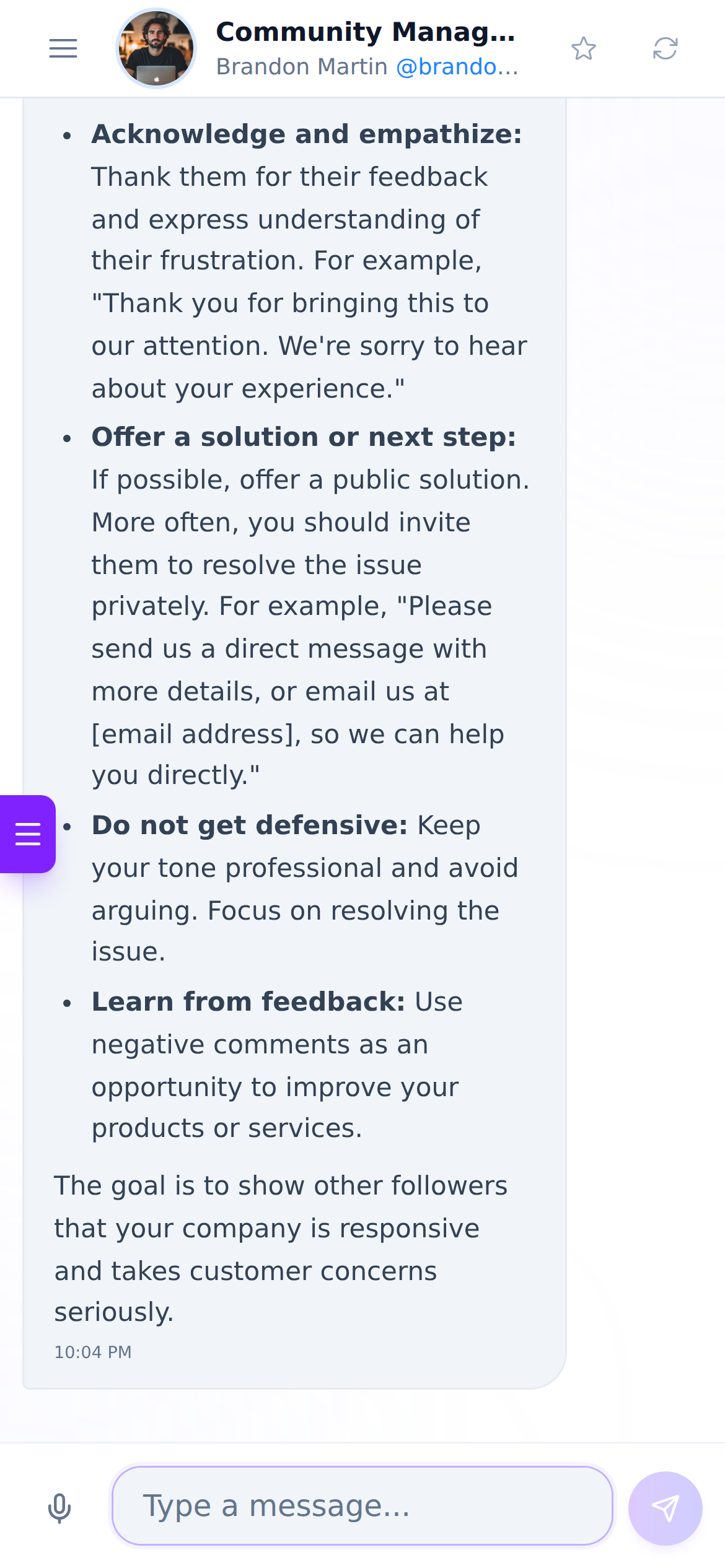
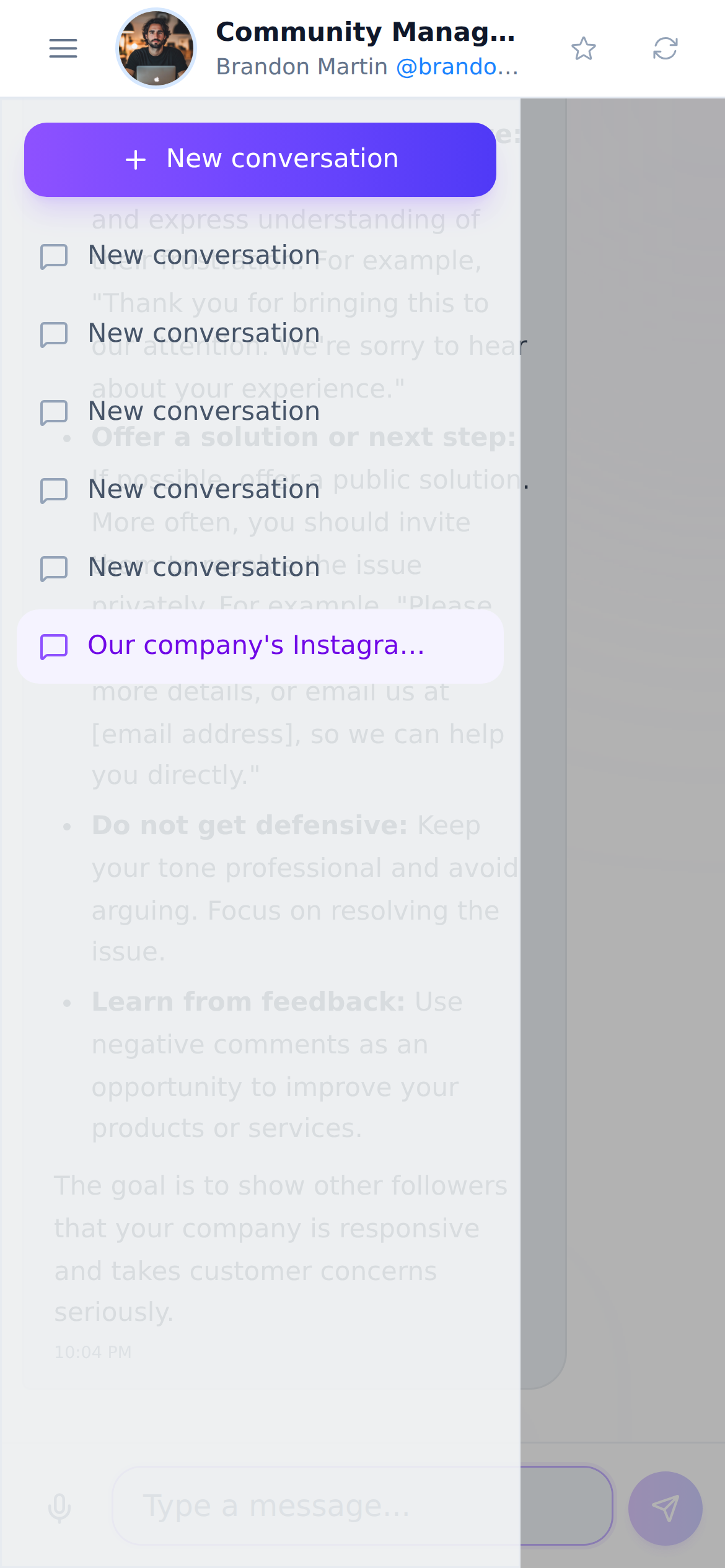
Selvitä sosiaalisen median hallinta-kysymyksesi tekoälyavustajan kanssa, joka on käytettävissä kellon ympäri.
Tekoälyä käyttävissä toiminnoissa vastaukset ovat tekoälyn tuottamia eivätkä korvaa ammattilaisen neuvoja.
Are you answering the same ten questions by hand, and late, on Messenger while the fields to automate it remain empty?
Your Page already has greeting, instant reply, away message, frequently asked questions and saved replies. They're empty because nobody knows what to write in them or what the character limit is. This app fills those fields one by one with your hours, your business type and your real questions, tells you the limit for each one and warns you when you need to trim; and it also produces the m.me link, the QR for your storefront, ticket or card, and the button for your website. It does not connect to the Messenger Platform: no Meta app, review or permissions are needed. It installs in two minutes because there's nothing to install.
Aloita ilmaiseksi
Tehosta some-strategiaasi
The link, the QR and the reply pack work without registration and without AI: the server composes them and they come out instantly. With an account they're saved and the conversation flow script is added.

Henkilökohtainen neuvonta
Saat neuvoja, jotka sopivat juuri sinun tarpeisiisi.
Kilpailija-analyysi
Arvioi ja paranna näkyvyyttäsi vertaamalla itseäsi muihin.
Tuki 24/7
Olemme käytettävissäsi aina, kun tarvitset meitä.
Näin yksinkertaista Chatin käyttö on
Start without signing up
It opens in your browser and works as a guest. There's no need to create an account, connect your Page, or grant permissions to any Meta app.
Describe your business
Your Page username, your hours, your business type and the questions you get most. With that, the link, the QR and the reply pack come out.
Copy, paste or print
You paste each text into its field in the Page Inbox, download the QR in PNG, SVG or PDF and take it to print, and copy the button HTML into your website.
Usein kysytyt kysymykset
Älä odota enää
Your link, your QR and your replies in two minutes. No account and nothing to connect.