
AiNotes — AI notes that answer your questions · Ask your notes and they answer
 AI
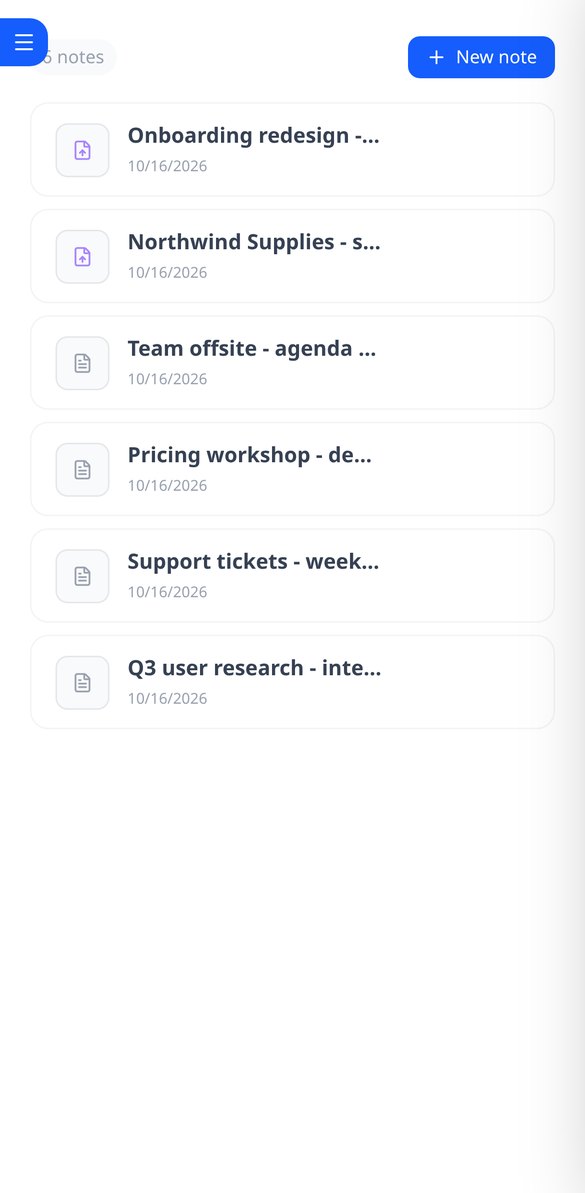
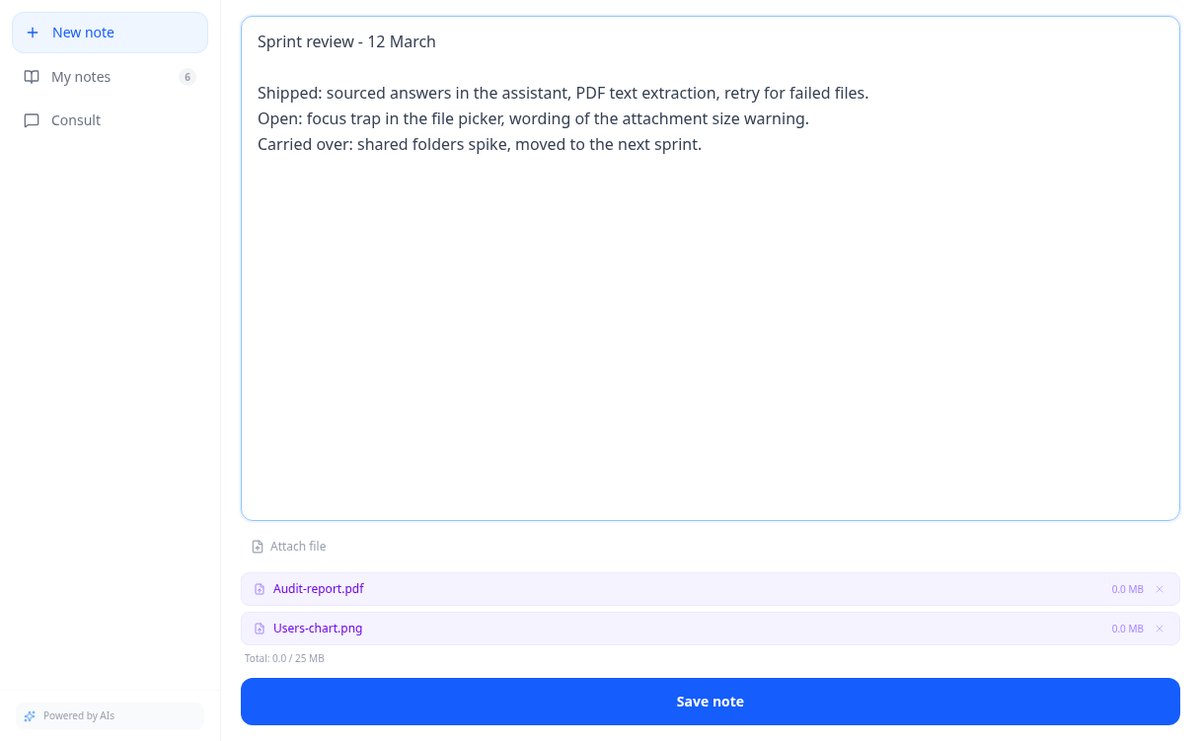
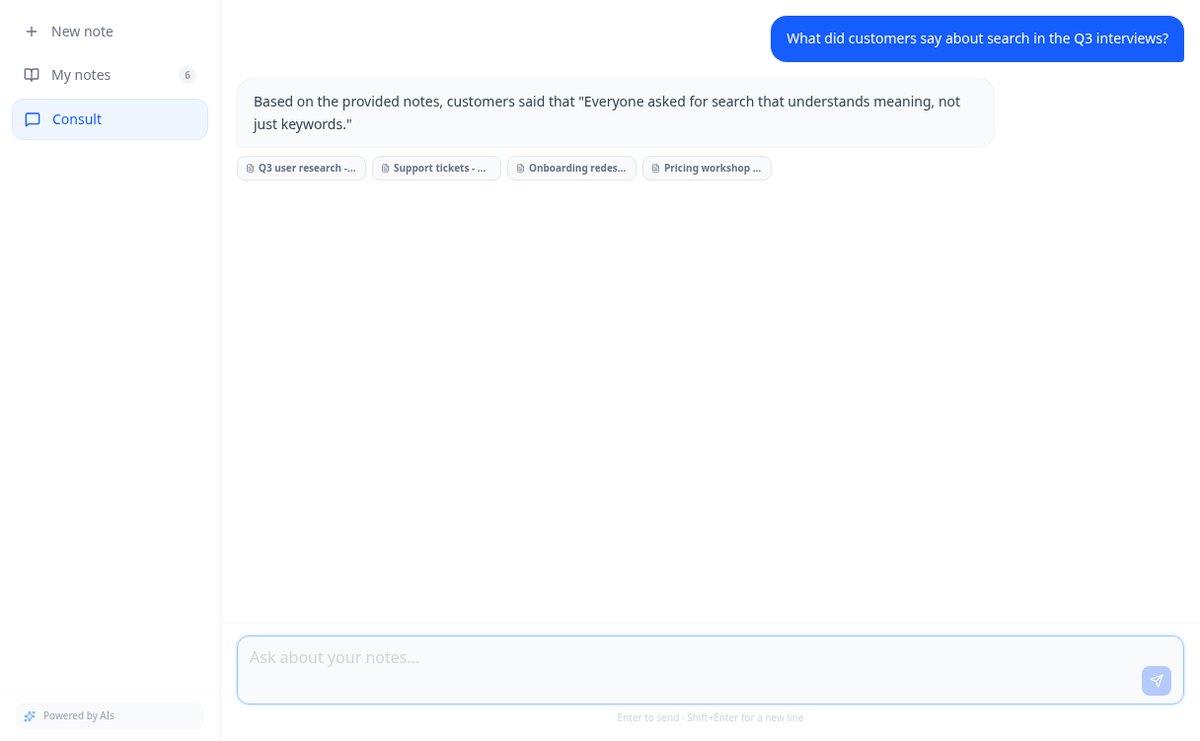
Save notes and attach PDFs and images to the same note. AiNotes reads everything and replies via chat, indicating which note each answer came from.
In the features that use AI, responses are generated by artificial intelligence and are not a substitute for professional advice.
Kent hij of zij vandaag de tafel van 7 en maakt hij of zij morgen weer fouten?
Hoofdrekenen beklijft alleen door herhaling, en juist daar gaat het mis: het kind maakt een fout, gaat naar de volgende en blijft maandenlang dezelfde som fout doen. Zuki Math stelt een uitdaging van 20 sommen voor op maat van zijn of haar leeftijd en laat geen enkele fout ontsnappen: de foute som komt achteraan de rij terug, verschijnt met de badge REVANCHE! en blijft verschijnen tot hij goed is. De uitdaging duurt twee of drie minuten, dus ze past in elke middag.
Start for free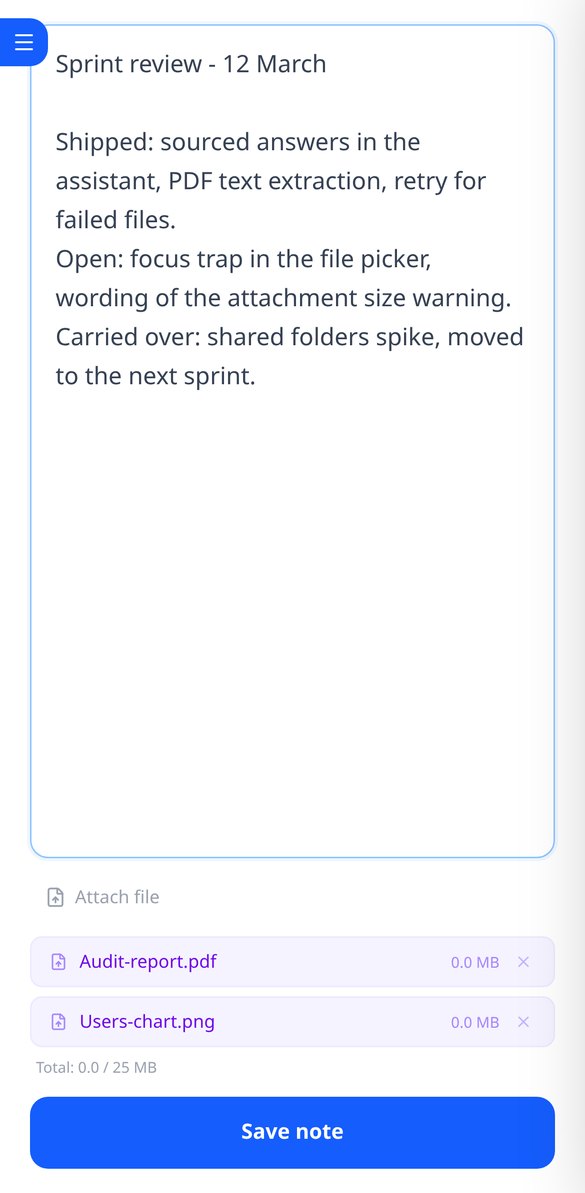
Discover every feature in detail
Online notebook for writing and editing free text | AiNotes
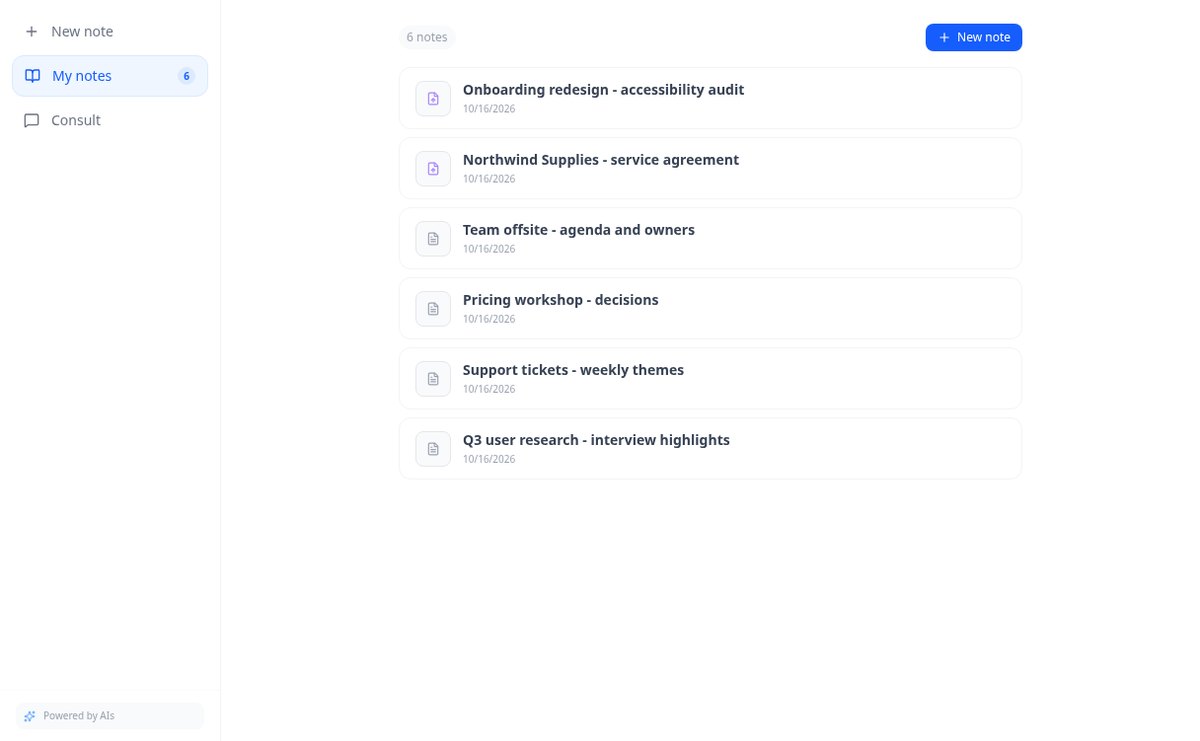
Write free text notes without templates and edit them whenever you want: AiNotes saves the content, generates the title automatically, and updates the index when corrected. Free.
View feature
Notes with attached PDFs and images, up to 25 MB per note | AiNotes
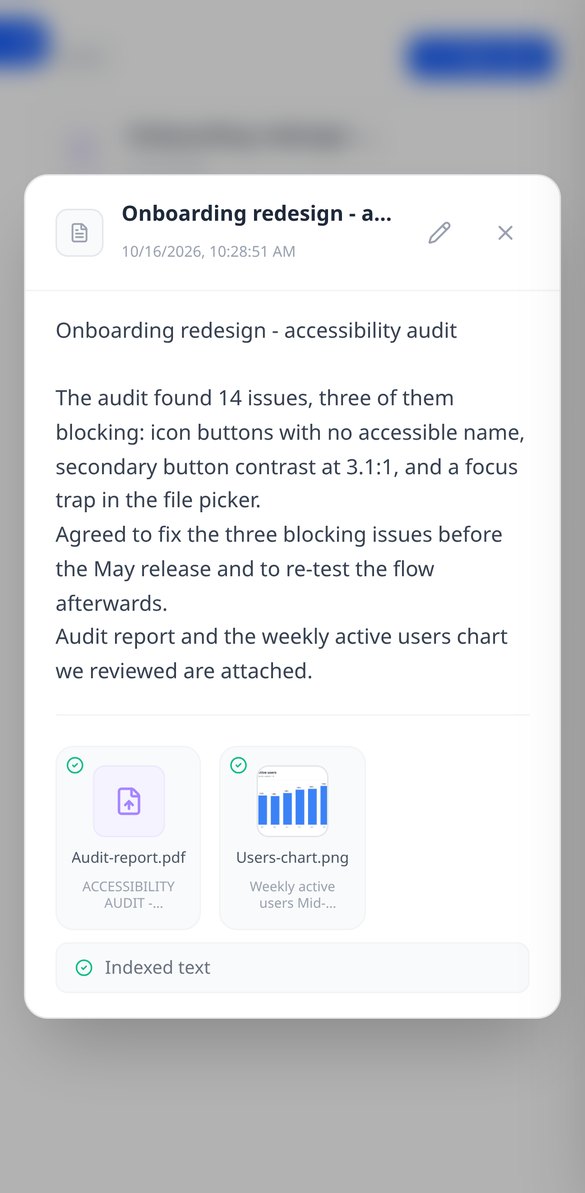
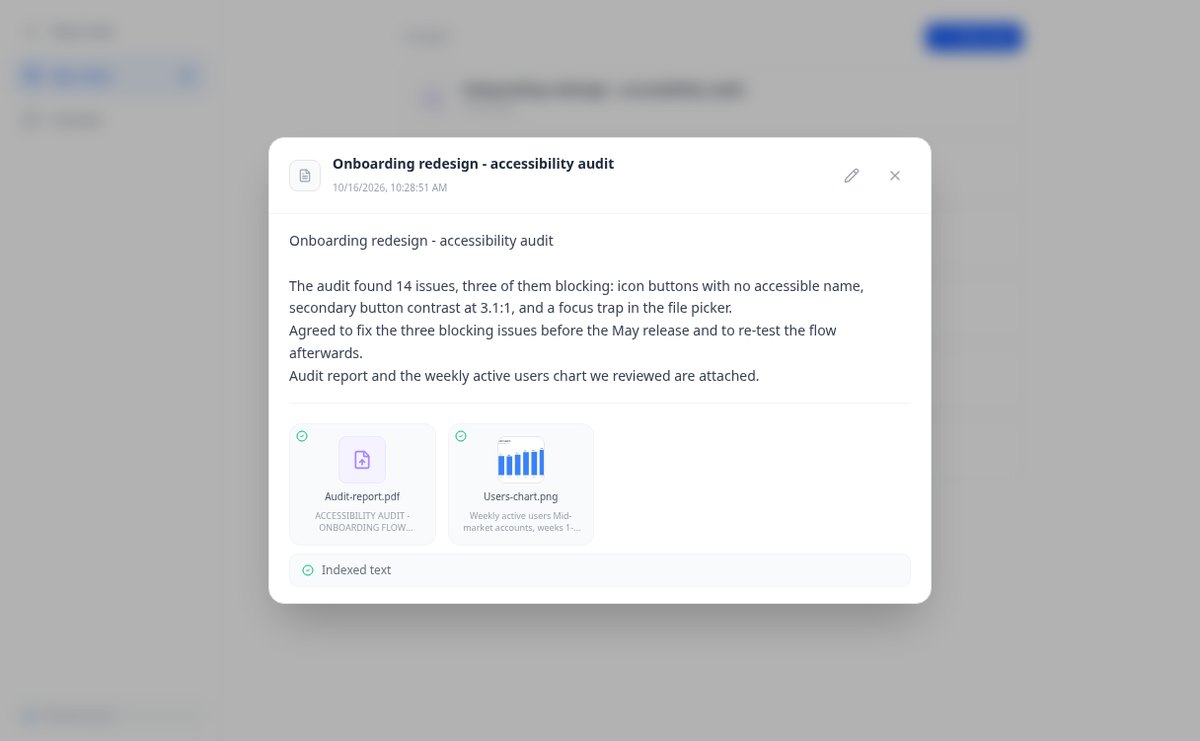
Attach multiple PDFs, PNG, JPG, WebP, or GIF to each note —up to 25 MB— by dragging them into the editor, and later query their content via chat. Free at AIsToHire.
View feature
Notes that index themselves with Gemini embeddings | AiNotes
AiNotes breaks down each note and attachment and converts them into vectors with gemini-embedding-001 upon saving, allowing for meaning-based searches and chat inquiries. Free at AIsToHire.
View feature
Chat that answers with your notes and cites the source | AiNotes
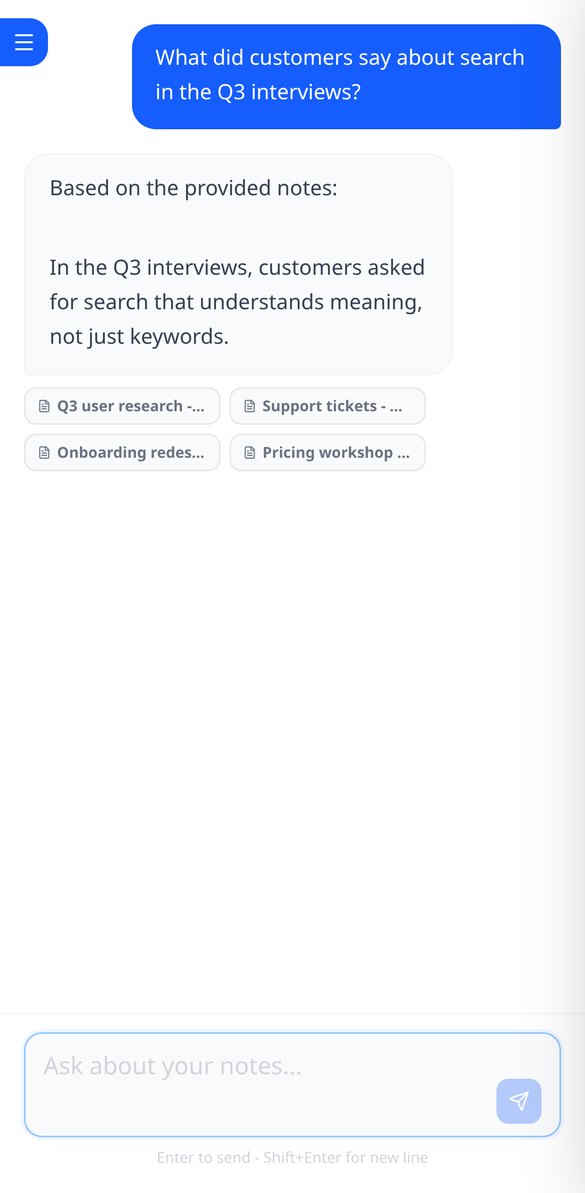
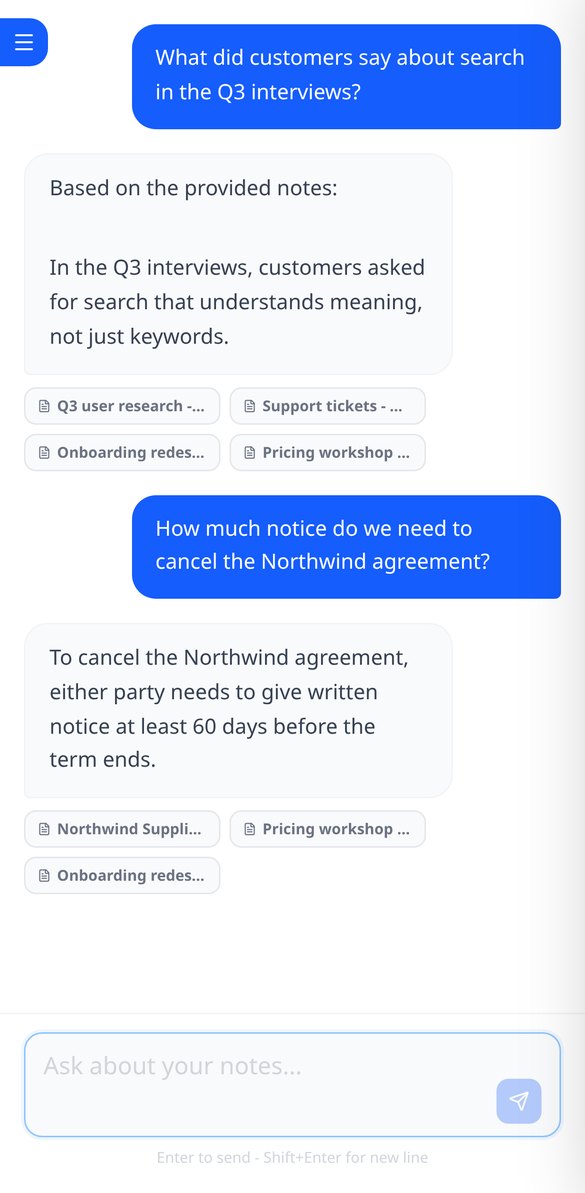
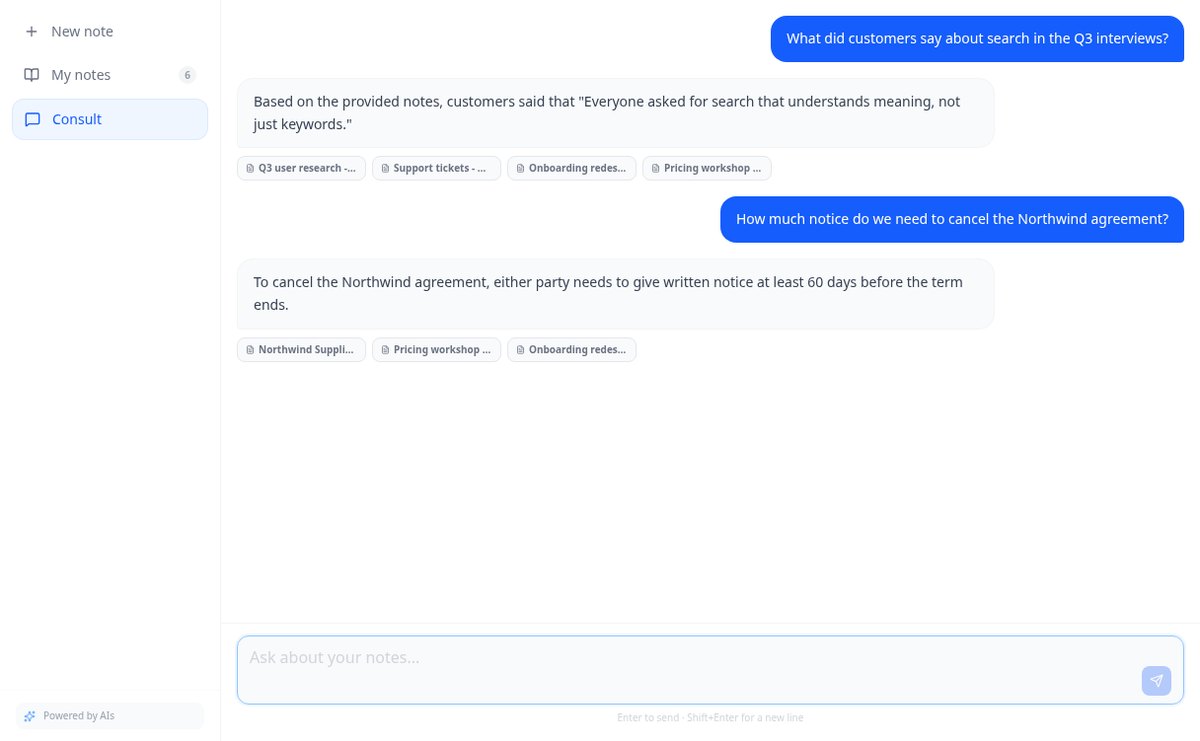
Ask your notes and PDFs: AiNotes searches for the 5 most relevant snippets, responds only with them, and shows the title of each note used. Free at AIsToHire.
View featureNotes that understand what you save
Drie dingen die een huiswerkblad niet geeft: moeilijkheid die per jaar is afgestemd, fouten die niet ontsnappen en zin om morgen opnieuw te spelen.
Notes and documents in the same note
Write the note and attach PDFs or images (PNG, JPG, WebP, and GIF) by dragging them, up to 25 MB per note. Everything stays together, with preview and download.
AI reads every note and every file
When you save, AiNotes automatically splits and indexes the content. You see the status of each item (processing, ready, or error) and can retry the one that fails.
Chat that answers by citing your notes
Ask in your own words and the assistant responds using only your content, showing the notes it got the information from. If it's not in your notes, it tells you.
Get started in three steps
Maak het profiel van je kleintje aan
Jongen of meisje, naam en leeftijd van 4 tot 12. Tot acht profielen op hetzelfde account, elk met eigen punten, niveau en geschiedenis.
Kies wat je oefent
Optellingen, aftrekkingen of tafels van vermenigvuldiging, wat die middag aan de beurt is, en het niveau van de uitdaging als je de moeilijkheid wilt verhogen of verlagen.
20 sommen en op naar de trofee
Aftellen, schermtoetsenbord en oplossen. Wat fout was, komt terug; als de laatste goed is, komen de punten, de smaragden en de confetti.
Frequently asked questions
Latest blog articles
Guides and news to get more out of it
Is it legal for an AI bot to record and transcribe your meetings? What has changed in 2026
Lawsuits against Otter.ai, the position of the AEPD from January 2026, and a checklist for transcribing meetings with AI without violating the GDPR.
Search for data in your PDFs and notes: why Ctrl+F fails you and what really works
Ctrl+F finds nothing in a scanned PDF because it contains an image, not text. We explain why and how to ask your own notes and PDFs.
Start asking your notes
Maak gratis je account aan, zet het profiel van je kleintje op en laat hem of haar de eerste 20 sommen oplossen.